1 / 6
- Steam
Werewolves Within
Werewolves Within EU PC Steam CD Key
Price £7.99
In stock
Doesn't work in the US
This product can't be activated in the US or on an account registered there. You can still buy it if you'll activate it in one of the countries below, on an account registered there.
Works in
- Andorra
- Albania
- Austria
- Åland Islands
What you get
- Game key
- Steam
A key you redeem on Steam to add the game to your own account.
Does not work in the US
Region: Europe
- Your Steam account must be registered in one of the countries this key works in.
Product details
| Developer | Red Storm Entertainment |
|---|---|
| Release date | 2016-12-06 |
| Genres | Strategy, RPG, Simulation, Casual, VR Games |
| Platform | Steam |
| Age rating | PEGI 7 |
| Languages | German, English, French, Spanish, Dutch, Italian, Portuguese - Brazil |
| Region | Europe |
| Steam page | View on Steam |
About this product
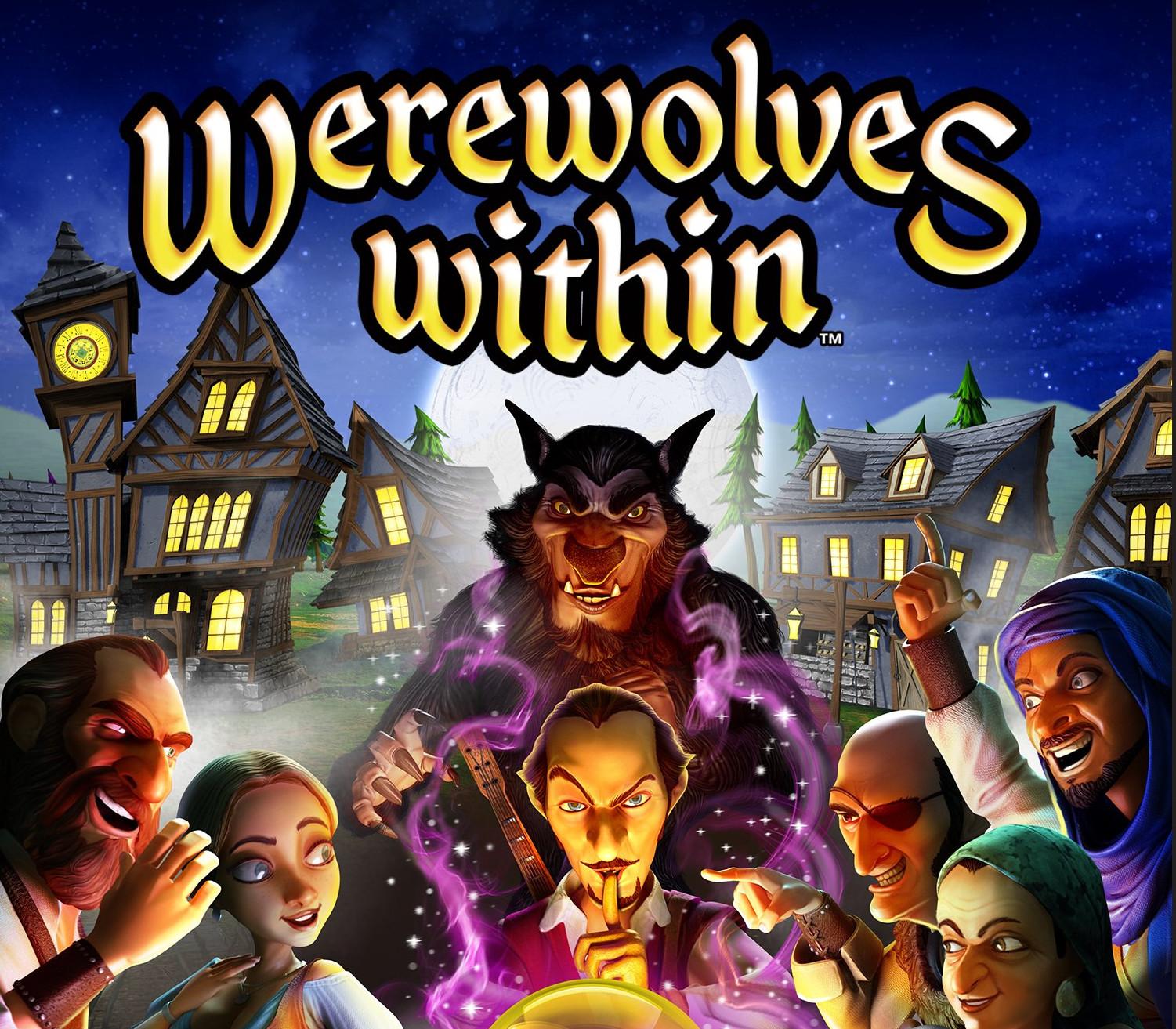
Werewolves Within brings the fun of game night with friends to Virtual Reality. After several attacks on townsfolk, the medieval village of Gallowston has had enough! Werewolves Within will transport you to the medieval village of Gallowston, where you must uncover the werewolves that have been terrorizing the townsfolk. Werewolves Within is a fast-paced game of hidden roles and social deduction for 5-8 players. In one game, You might be a villager trying their hardest to cleanse the town of werewolves, while minutes later you could be the werewolf lying and betraying friends in order to survive the vote. Utilize specific roles and abilities, and the power of persuasion to assess, deduce and win the round. Whether playing a vigilant villager or a devious werewolf, no two games are ever the same.
Windows
Minimum: Requires a 64-bit processor and operating system OS: Windows 7 SP1, Windows 8.1 or Windows 10 Processor: Intel® i5-4590, AMD FX 8350 equivalent or better Memory: 4 GB RAM Graphics: NVIDIA GeForce® GTX 970, AMD Radeon™ R9 290 equivalent or better Storage: 5 GB available space
Go to: http://store.steampowered.com/ and download STEAM client Click "Install Steam" (from the upper right corner) Install and start application, login with your Account name and Password (create one if you don't have). Please follow these instructions to activate a new retail purchase on Steam: Launch Steam and log into your Steam account. Click the Games Menu. Choose Activate a Product on Steam... Follow the onscreen instructions to complete the process. After successful code verification go to the "MY GAMES" tab and start downloading.