1 / 5
- Steam
Warrior Kings: Battles
Warrior Kings: Battles Steam CD Key
Price £1.99
In stock
What you get
- Game key
- Steam
A key you redeem on Steam to add the game to your own account.
Activates in the US
Region: Worldwide
Product details
| Developer | Black Cactus |
|---|---|
| Publisher | Strategy First |
| Genres | Strategy |
| Platform | Steam |
| Age rating | ESRB T |
| Languages | English |
| Metacritic | 64 |
| Region | Worldwide |
| Steam page | View on Steam |
About this product
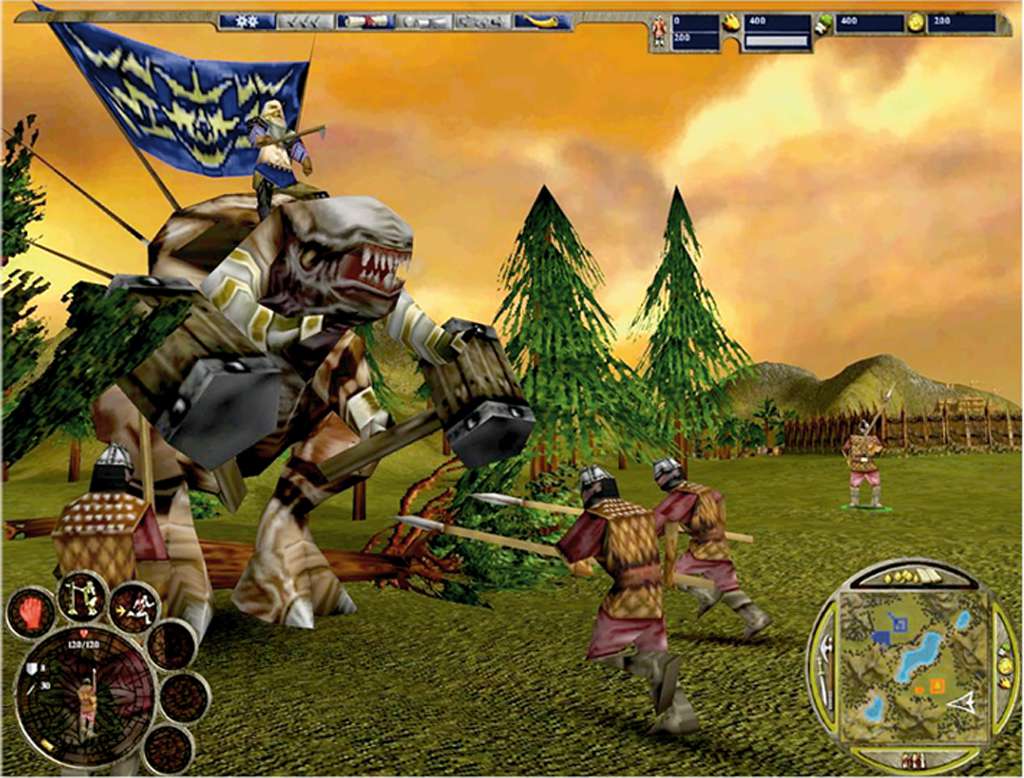
Warrior Kings: Battles Steam Gift Platform: Steam Release Date: 30/09/2003 Product Description Warrior Kings: Battles comes complete with a full skirmish mode, boasting a proficiency of computer AI not yet seen in an RTS product. AI Generals build a functioning economy, offensive/defensive armies, correctly control formations, and intelligently probe your defenses, looking for your weak points. AI Diplomacy, a major new feature, makes you think you are playing a human opponent(s), giving a new depth to gaming. Features Unparalleled real-time strategy gaming, using radical 3D technology to bring terrain, provinces and cultures alive like no other games in the genre Use real military tactics with a supreme range of combat tools - select from cavalry, rocket launchers, catapults, spies, war elephants, arch druids, elementals, golems, summoned beings and many more! Strategically use terrain, arms and formations to beat all others Advanced A.I. (Artificial Intelligence) computer opponents probe your defences and find weaknesses unlike any other strategy game. AI Generals even seek to win alliances and will bargain with you to gain the upper hand! System Requirements OS: Windows 98/2000/Me/Xp Processor: 733 MHz Memory: 128 MB RAM Graphics: 16 MB 3D card DirectX: Version 8.1 Hard Drive: 800 MB available space
Go to: http://store.steampowered.com/ and download STEAM client Click "Install Steam" (from the upper right corner) Install and start application, login with your Account name and Password (create one if you don't have). Please follow these instructions to activate a new retail purchase on Steam: Launch Steam and log into your Steam account. Click the Games Menu. Choose Activate a Product on Steam... Follow the onscreen instructions to complete the process. After successful code verification go to the "MY GAMES" tab and start downloading.