1 / 6
- Steam
- Steam gift
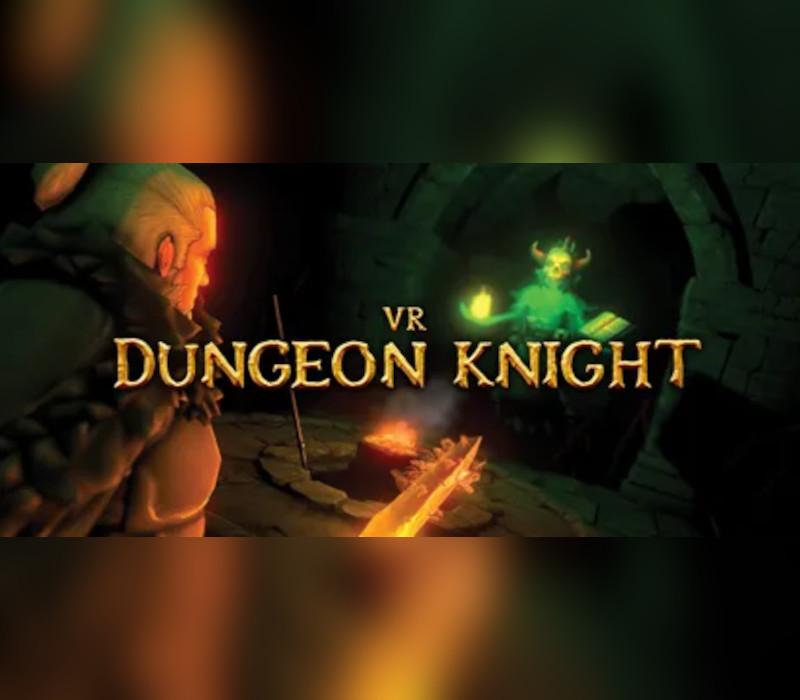
VR Dungeon Knight
VR Dungeon Knight EU PC Steam Altergift
Price £15.99
In stock
Doesn't work in the US
This product can't be activated in the US or on an account registered there. You can still buy it if you'll activate it in one of the countries below, on an account registered there.
Works in
- Austria
- Belgium
- Bulgaria
- Cyprus
What you get
- Steam gift link
- Steam
A Steam gift link. Opening it adds the game to your Steam account.
Does not work in the US
Region: Europe
- Your Steam account must be registered in one of the countries this code works in.
Product details
| Developer | Blackjard Softworks |
|---|---|
| Publisher | Wolfdog Interactive |
| Release date | 2017-04-24 |
| Genres | Action, Adventure, RPG, VR Games |
| Platform | Steam |
| Languages | English |
| Region | Europe |
| Steam page | View on Steam |
About this product
The world is Cursed and filled with monsters! Venture into dark dungeons and try to overcome them all! Destroy the evil source they contain and weaken the curse! Each time with new loot you you earn!The dungeons are different every time. They contain creatures, traps and much more to get you killed! Purchase new classes that suit your playstyle. Classes like: Warrior, Thief, Mage, Ranger, Assassin and Dungeon Knight. Fight with all kind of weapons like Swords, Daggers, Axes, Bow's, Staffs, Shields, Light Crossbows, Flintlock Pistols, Spear, Two-Handers, Magic Spellbooks and more!All these weapons can be upgraded and become better each time.Dual wielding is totally a feature!
Windows
OS: Windows 7 Processor: Intel core i5 Memory: 4 GB RAM Graphics: AMD Radeon R9 390 or NVIDIA Geforce GTX 980 Storage: 2 GB available space Additional Notes: The game could work on even lower end systems, this is not tested. (try at your own risk).
Go to: http://store.steampowered.com/ and download STEAM client Click "Install Steam" (from the upper right corner) Install and start application, login with your Account name and Password (create one if you don't have). Please follow these instructions to activate a new retail purchase on Steam: Launch Steam and log into your Steam account. Click the Games Menu. Choose Activate a Product on Steam... Follow the onscreen instructions to complete the process. After successful code verification go to the "MY GAMES" tab and start downloading.