1 / 6
- Xbox
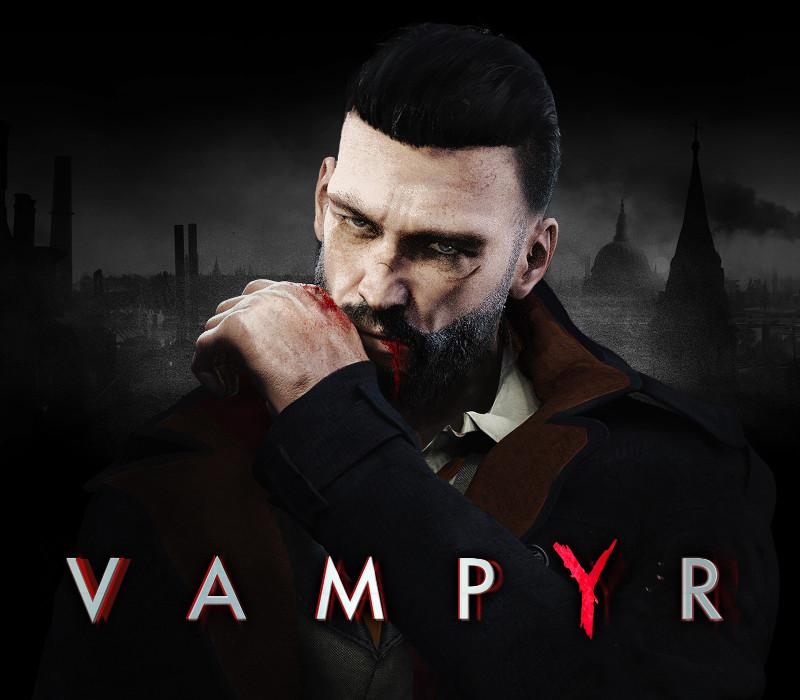
Vampyr AU
Vampyr AU Xbox One / Xbox Series X|S CD Key
Price £18.99
In stock
Doesn't work in the US
This product can't be activated in the US or on an account registered there. You can still buy it if you'll activate it in one of the countries below, on an account registered there.
Works in
- Australia
What you get
- Game key
- Xbox One
A key you redeem on Xbox One to add the game to your own account.
Does not work in the US
Region: Australia
- Your Microsoft account must be registered in one of the countries this key works in.
Product details
| Developer | DON'T NOD |
|---|---|
| Publisher | Focus Entertainment |
| Release date | 2018-06-05 |
| Genres | Action, RPG, Open World |
| Platform | Xbox One |
| Age rating | PEGI 18 |
| Languages | German, English, French, Spanish, Polish, Russian, Chinese, Italian, Portuguese - Brazil |
| Metacritic | 72 |
| Region | Australia |
| Steam page | View on Steam |
About this product
London, 1918. You are newly-turned Vampyr Dr. Jonathan Reid. As a doctor, you must find a cure to save the city’s flu-ravaged citizens. As a Vampyr, you are cursed to feed on those you vowed to heal. Will you embrace the monster within? Survive and fight against Vampyr hunters, undead skals, and other supernatural creatures. Use your unholy powers to manipulate and delve into the lives of those around you, to decide who will be your next victim. Struggle to live with your decisions… your actions will save or doom London. Features BE THE VAMPYR – Fight and manipulate with supernatural abilities FEED TO SURVIVE – Be the savior and the stalker SHAPE LONDON – A web of interconnected citizens reacts to your decisions
Go to: http://store.steampowered.com/ and download STEAM client Click "Install Steam" (from the upper right corner) Install and start application, login with your Account name and Password (create one if you don't have). Please follow these instructions to activate a new retail purchase on Steam: Launch Steam and log into your Steam account. Click the Games Menu. Choose Activate a Product on Steam... Follow the onscreen instructions to complete the process. After successful code verification go to the "MY GAMES" tab and start downloading.