1 / 6
- Steam
- DLC
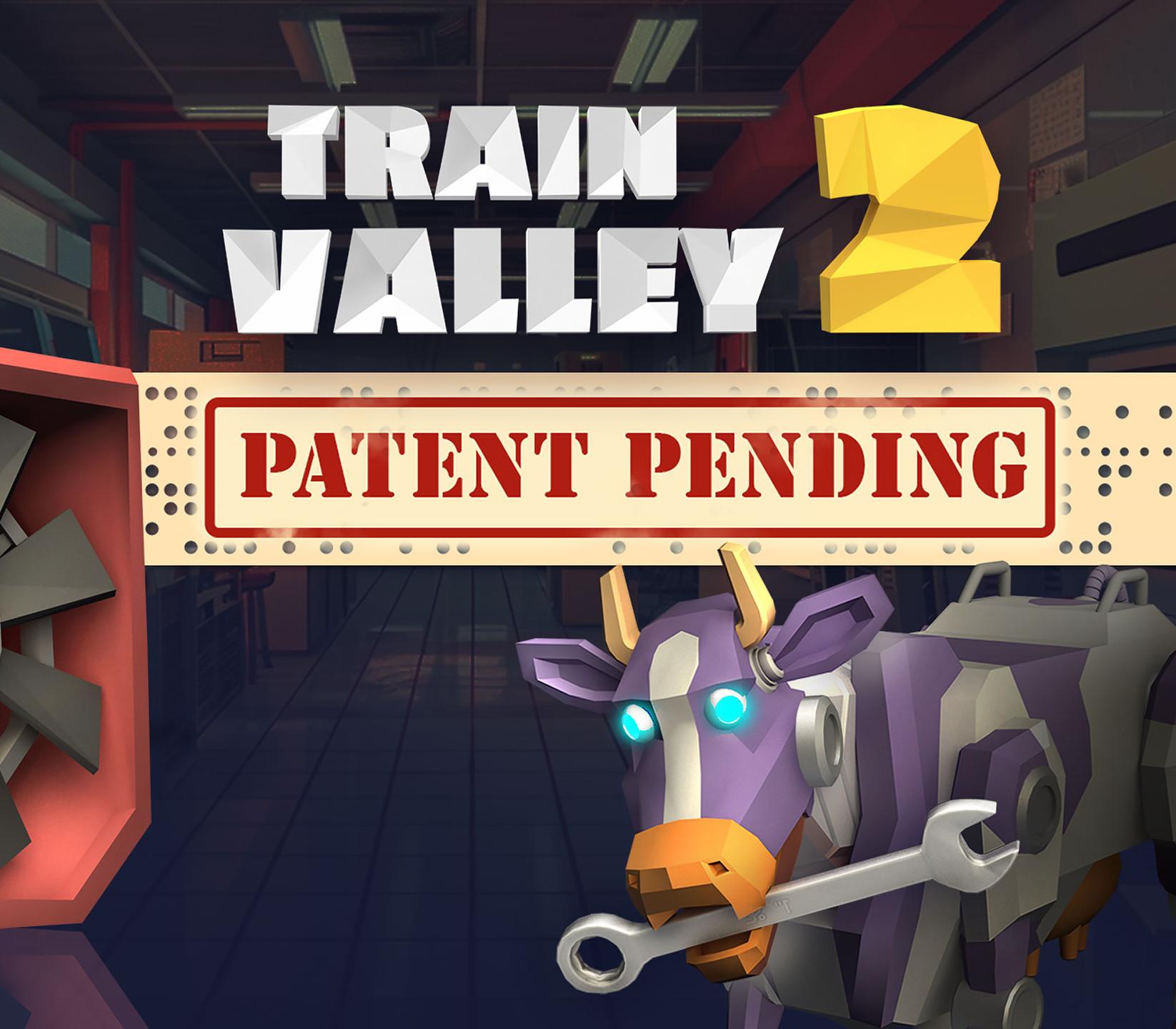
Train Valley 2 - Patent Pending DLC
Train Valley 2 - Patent Pending DLC PC Steam CD Key
Price £1.99
In stock
What you get
- Game key
- Steam
- DLC
A key you redeem on Steam to add this DLC to your own account.
Activates in the US
Region: Worldwide
- This is DLC. You need the base game to use it.
Product details
| Developer | Alexey Davydov |
|---|---|
| Publisher | META Publishing |
| Release date | 2024-03-13 |
| Genres | Adventure, Casual, Indie, Simulation, Strategy |
| Platform | Steam |
| Languages | English, French, Italian, German, Spanish, Japanese, Polish, Portuguese - Brazil, Russian, Chinese, Korean, Turkish, Czech, Swedish |
| Region | Worldwide |
| Steam page | View on Steam |
About this product
Spend 20 valleys train driving together with the Flazm Interactive's Delivery Puzzle Ideas Requisition Division, where no expense is spared and jury-rigging new plot devices while accidentally inventing another chewing gum flavor and/or type of propulsion is just another day at the office. Upgrade your clearance level and access new locomotives, experience latest station and industry types and level objectives, explore fresh objects added to the level editor.Your progress will be watched...with great interest.
Windows
OS *: Windows Vista SP1+ Processor: Intel Core 2 Duo E4500 @ 2.2GHz or AMD Athlon 64 X2 5600+ @ 2.8 GHz Memory: 2 GB RAM Graphics: ATi Radeon HD 2400 or NVIDIA GeForce 7600 DirectX: Version 9.0 Storage: 1 GB available space
Mac
OS: Mac OS X 10.12+ Processor: 1.7 GHz Intel Core i5 Memory: 2 GB RAM Graphics: NVIDIA GeForce 8600M or better / ATi Radeon 2400 Storage: 1 GB available space
Linux
OS: Ubuntu 12.04+ or SteamOS+ Processor: 2.2 GHz CPU Memory: 2 GB RAM Graphics: ATI Radeon HD 2400 or NVIDIA GeForce 7600 Storage: 1 GB available space
Go to: http://store.steampowered.com/ and download STEAM client Click "Install Steam" (from the upper right corner) Install and start application, login with your Account name and Password (create one if you don't have). Please follow these instructions to activate a new retail purchase on Steam: Launch Steam and log into your Steam account. Click the Games Menu. Choose Activate a Product on Steam... Follow the onscreen instructions to complete the process. After successful code verification go to the "LIBRARY" tab and start downloading.