1 / 13
- Steam
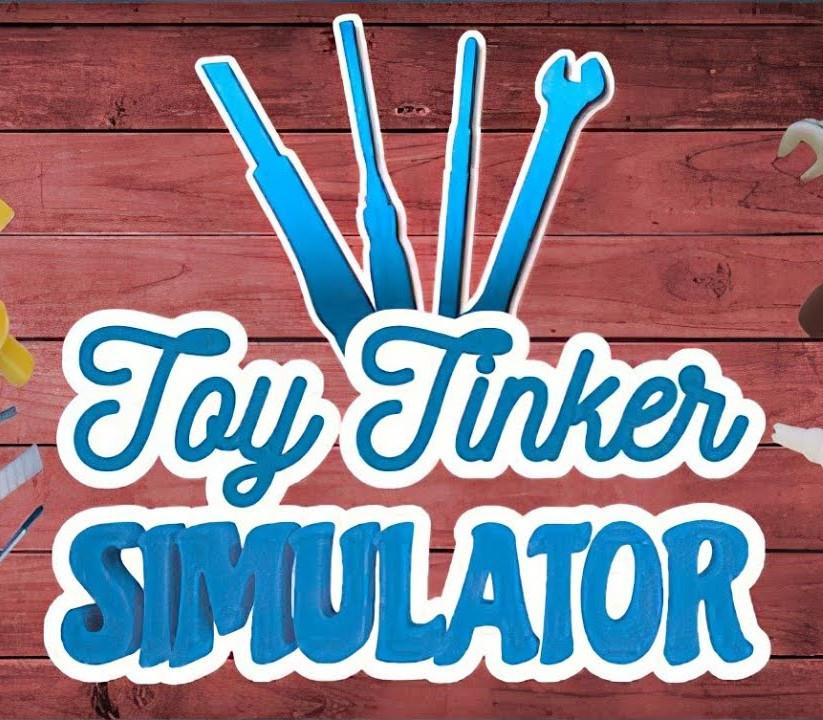
Toy Tinker Simulator
Toy Tinker Simulator Steam CD Key
Price £1.99
In stock
What you get
- Game key
- Steam
A key you redeem on Steam to add the game to your own account.
Activates in the US
Region: Worldwide
Product details
| Developer | Turquoise Revival Games |
|---|---|
| Publisher | GrabTheGames |
| Release date | 2021-11-20 |
| Genres | Indie, Simulation |
| Platform | Steam |
| Languages | English, Turkish, Greek, Korean, Polish, Spanish, French, German, Portuguese, Italian, Portuguese - Brazil, Russian, Hungarian, Chinese, Japanese, Czech, Ukrainian |
| Region | Worldwide |
| Steam page | View on Steam |
About this product
Have you ever wanted to be a toy tinker? This is a unique chance to become one! Repair toys and start your toy-museums to make everyone happy! Features Repair toys Disassemble/assemble toy parts and go through the repair processes like cleaning, painting, sandblasting, coating, sanding, sewing, filling/stuffing etc Repair as many toys as possible to earn more money and experience Take before/after photos to see the progress Design your office and workshop Buy furniture, carpets, paintings, plants, flowers, etc and design your office Buy new tools and equipment to increase your portfolio Start your toy-museums Buy and repair unique toys Buy new buildings and design your toy-museums Play with master-toys Level up and become master Play with master-toys after successful deliveries
Windows
Minimum: Requires a 64-bit processor and operating system OS: Windows 7 64-bit | Windows 8 64-bit | Windows 10 64-bit Processor: Intel Core i3-6100T | AMD FX-6100 Memory: 4 GB RAM Graphics: NVIDIA GeForce GTX 650 | AMD Radeon R7-250X Storage: 10 GB available space
Go to: http://store.steampowered.com/ and download STEAM client Click "Install Steam" (from the upper right corner) Install and start application, login with your Account name and Password (create one if you don't have). Please follow these instructions to activate a new retail purchase on Steam: Launch Steam and log into your Steam account. Click the Games Menu. Choose Activate a Product on Steam... Follow the onscreen instructions to complete the process. After successful code verification go to the "LIBRARY" tab and start downloading.