1 / 5
- GOG
Tom Clancy's Splinter Cell
Tom Clancy's Splinter Cell GOG CD Key
Price £3.99
In stock
What you get
- Game key
- GOG.com
A key you redeem on GOG.com to add the game to your own account.
Activates in the US
Region: Worldwide
Product details
| Developer | Ubisoft Montreal |
|---|---|
| Release date | 2003-02-18 |
| Genres | Action |
| Platform | GOG.com |
| Languages | German, English |
| Metacritic | 91 |
| Region | Worldwide |
About this product
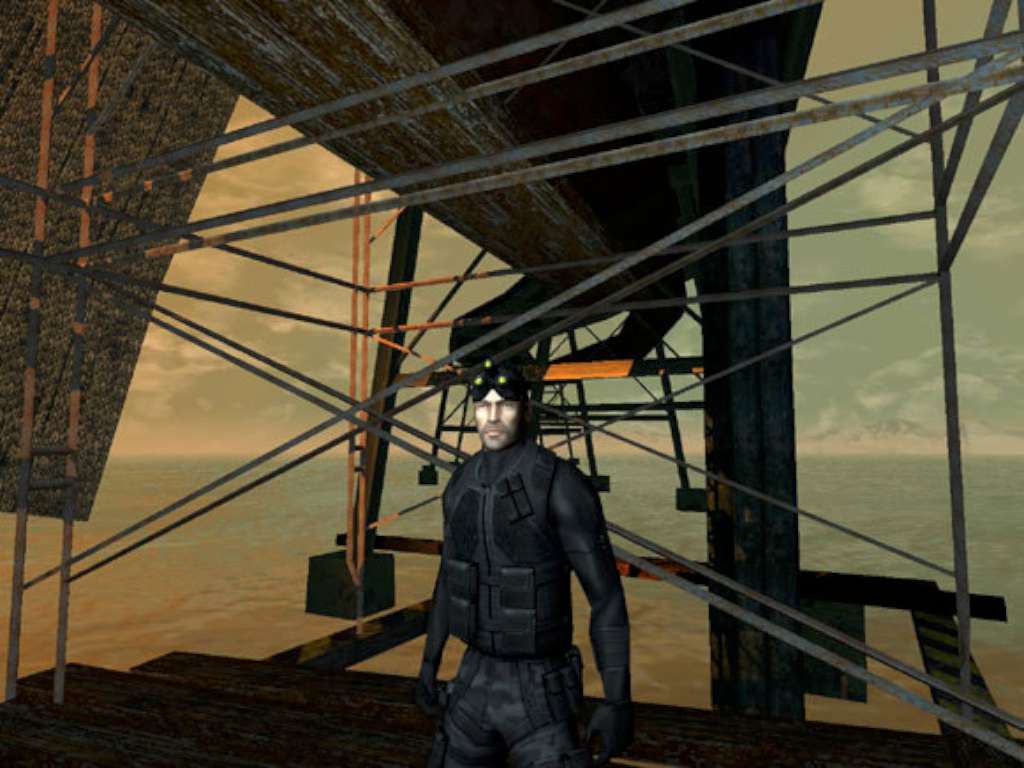
Infiltrate terrorists' positions, acquire critical intelligence by any means necessary, execute with extreme prejudice, and exit without a trace! You are Sam Fisher, a highly trained secret operative of the NSA's secret arm: Third Echelon. The world balance is in your hands, as cyber terrorism and international tensions are about to explode into WWIII. Features Go Behind the Headlines into the Real World of Modern Espionage - Enter the realistic Tom Clancy universe. Suit up with the latest classified field operative gear and weapons. A New Level of Stealth Action - All the best stealth action plus all new moves. Highly interactive environments giving players more gameplay options and the ability to strategize their actions. Deep Environments. Unparalleled Immersion - Stunning environments driven by the Unreal™ engine. Dynamic lighting and sound effects that match reality. Pulse-Pounding Action on a Global Scale - Over 20 Hours of stealth action. Diverse mission objectives that can be achieved by different means for increased replay value.
Windows
Supported OS: Microsoft Windows® 2000/XP Processor: Pentium® III or AMD Athlon™ 800 MHz System Memory: 256 MB of RAM or above Video Card: 32 MB 3D video card Sound Card: Direct X 8.1 compliant sound card DirectX Version: DirectX® version 8.1 or higher Hard Disk: 1.5 GB available hard disk space Multiplayer: Broadband Internet connection
In order to redeem the GOG code please follow the instructions below: 1. Please create an account or login on https://www.gog.com 2. Go to http://www.gog.com/redeem 3. Enter the code and then press "CONTINUE" 4. After a short amount of time you will see the details about the product, please press "CONTINUE" again. 5. Download and install the GOG.com downloader 6. Login to the software and get back to the product page 7. Go to https://www.gog.com/account and look for the "Games" tab. 8. Press the box of the product you want to download. 9. Activate the GOG.com Download Mode on the right side of product menu. 10. Choose the installation package from the list and save it with the GOG Downloader.