1 / 7
- Xbox
- DLC
The Sims 4 - Kids Room Stuff DLC
The Sims 4 - Kids Room Stuff DLC EU XBOX One CD Key
Price £5.99
In stock
Doesn't work in the US
This product can't be activated in the US or on an account registered there. You can still buy it if you'll activate it in one of the countries below, on an account registered there.
Works in
- Austria
- Belgium
- Switzerland
- Czechia
What you get
- Game key
- Xbox One
- DLC
A key you redeem on Xbox One to add this DLC to your own account.
Does not work in the US
Region: US and 21 other countries
- Your Microsoft account must be registered in one of the countries this key works in.
- This is DLC. You need the base game to use it.
Product details
| Developer | Maxis |
|---|---|
| Publisher | Electronic Arts |
| Release date | 2018-06-19 |
| Genres | Simulation, Casual |
| Platform | Xbox One |
| Age rating | PEGI 12 |
| Languages | English |
| Region | US and 21 other countries |
About this product
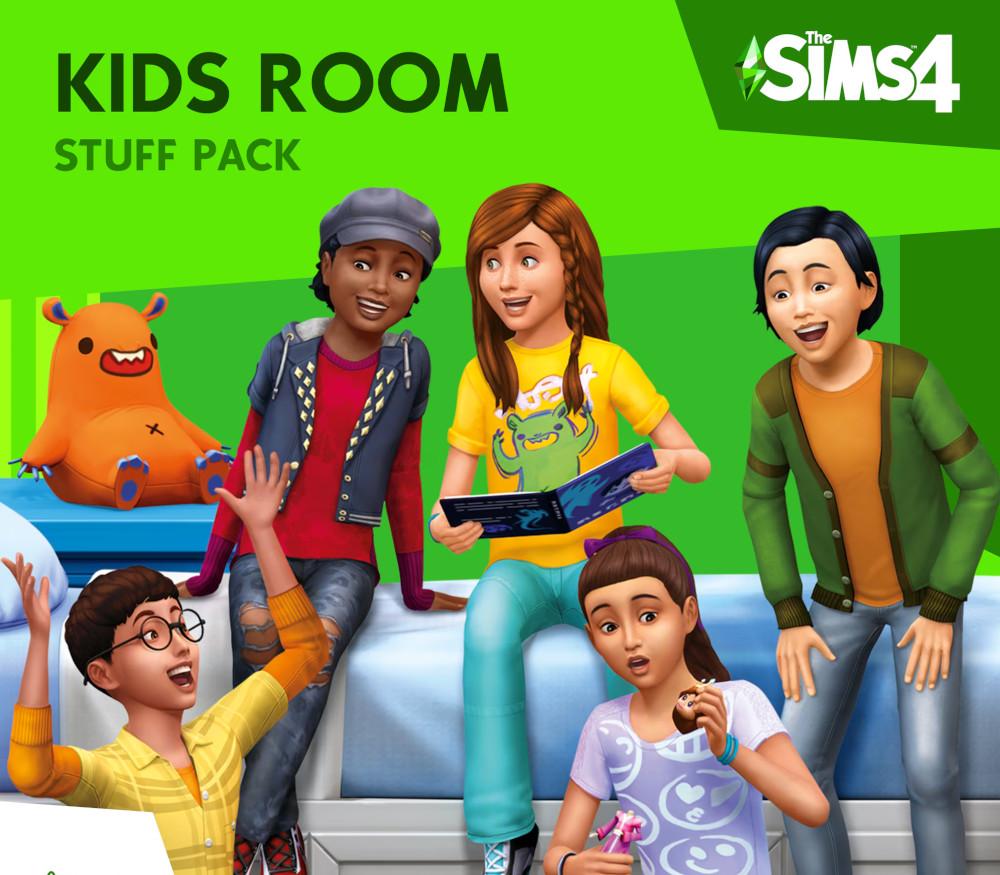
Spark the imagination of Sims with new items to personalize kids’ bedrooms in The Sims™ 4 Kids Room Stuff. Collect and trade monster cards, then bring them to life in the electronic battle station. Put on a puppet show to tell stories and entertain family and friends. Show off your kid Sims with new clothing items and hairstyles that express their style. Features Customise kids' rooms. Build kids bedrooms full of style! Excite your Sim’s imagination with colorful new furniture and themed decorations ranging from space robots to fun flower flourishes. Battle with monsters. Collect and trade monster cards featuring your Sim’s favorite magical creatures. Use cards in the electronic battle station to bring them to life and challenge friends to a monster duel that’s sure to excite. Put on a show. With the all-new puppet theater and a bit of imagination, Sims can tell whimsical stories to entertain an audience of family and friends. Lots of style. Get trendy, playful clothing and hairstyles to showcase their individual style or highlight their obsession with the latest tween heartthrob! So dreamy!
Go to https://www.xbox.com Login to your account Hover over your account link (the top right of the screen) a menu will appear, click on the "Redeem Code" button. On the next page, click "Redeem" Enter your code Click "Confirm" Click "Confirm" again to assign the key to your account.