1 / 3
- EA
- DLC
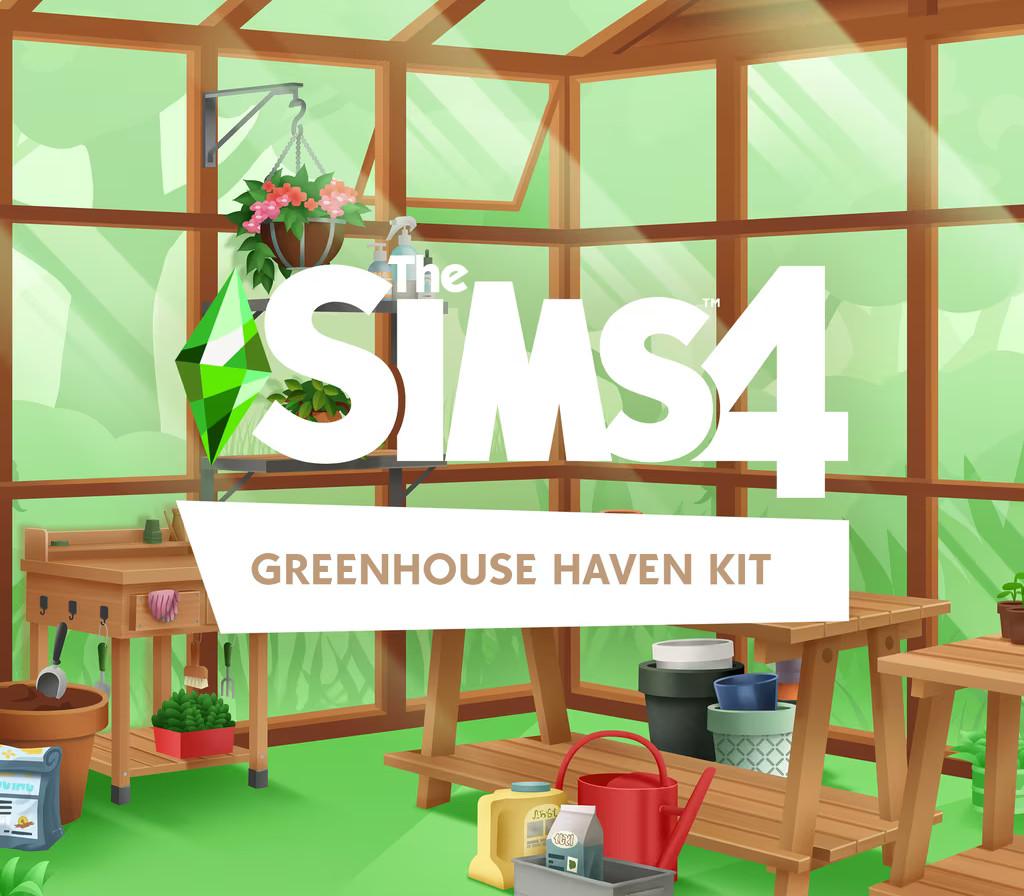
The Sims 4 - Greenhouse Haven Kit DLC
The Sims 4 - Greenhouse Haven Kit DLC EA App CD Key
Price £5.99
In stock
What you get
- Game key
- EA App
- DLC
A key you redeem on EA App to add this DLC to your own account.
Activates in the US
Region: Worldwide
- This is DLC. You need the base game to use it.
Product details
| Developer | Maxis |
|---|---|
| Publisher | Electronic Arts |
| Release date | 2023-04-20 |
| Genres | Simulation, Life Simulation, Casual |
| Platform | EA App |
| Age rating | PEGI 12 |
| Languages | Russian, Danish, French, English, Italian |
| Region | Worldwide |
About this product
A Room to GrowThis kit includes build items designed for creating the perfect greenhouse structure. Craft an ideal windowed haven for your Sims to indulge their green thumbs and live out their gardening fantasies. Signs of LifeEven the most organized gardeners need tools. Pots, plant starters, gloves, and spray bottles will make your greenhouse look like a space your Sim loves to spend time in.
Windows
OS: 64 Bit Required. Windows 10 CPU: 3.3 GHz Intel Core i3-3220 (2 cores, 4 threads), AMD Ryzen 3 1200 3.1 GHz (4 cores) or better RAM: At least 4 GB RAMDISC DRIVE:DVD Rom Drive required for installation only HARD DRIVE: At least 25 GB of free space with at least 1 GB additional space for custom content and saved games VIDEO: 128 MB of Video RAM and support for Pixel Shader 3.0. Supported Video Cards: NVIDIA GeForce 6600 or better, ATI Radeon X1300 or better, Intel GMA X4500 or better DirectX: DirectX 11 CompatibleINPUT:Keyboard and mouse ONLINE REQUIREMENTS: Internet connection required for product activation
Mac
OS: Metal required. Mac OS® X 10.11 (El Capitan) CPU: Intel Core i3-3225 3.3 GHz (2 cores, 4 threads) or better RAM: At least 4 GB RAM HARD DRIVE: At least 25 GB of free space with at least 1 GB additional space for custom content and saved games VIDEO: Support for Metal. Intel HD 4000 (Integrated Graphics) or better INPUT: Keyboard and Mouse ONLINE REQUIREMENTS: Internet connection required for product activation.
Download the EA App client from here. Click "Download EA app" (from the upper right corner) Install and start application, login with your Account name and Password. Click on My Collection and click on Redeem Code. Simply enter your game key in the activation field and click Next. Make sure that there are no spaces left before or after your code. After successful code verification go to the "MY GAMES" tab and start downloading.