1 / 5
- Steam
- DLC
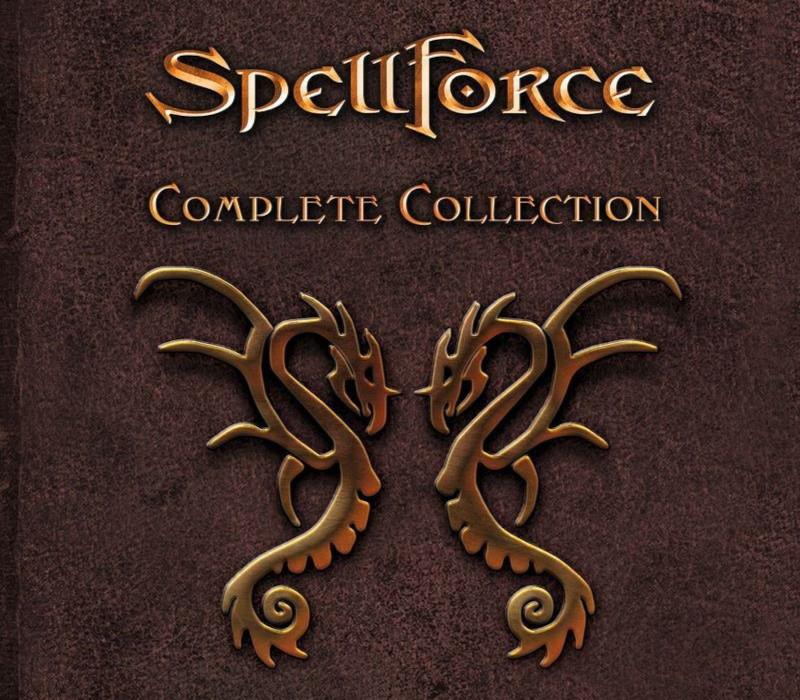
Spellforce 2 + Platinum Complete Collection
Spellforce 2 + Platinum Complete Collection PC Steam CD Key
Price £3.99
In stock
What you get
- Game key
- Steam
- DLC
A key you redeem on Steam to add this DLC to your own account.
Activates in the US
Region: Worldwide
- This is DLC. You need the base game to use it.
Product details
| Developer | Phenomic, THQ Nordic, Mind Over Matter Studios, Grimlore Games |
|---|---|
| Publisher | THQ Nordic |
| Genres | Action, RPG, Strategy |
| Platform | Steam |
| Age rating | PEGI 18 |
| Languages | English |
| Region | Worldwide |
About this product
Includes: Spellforce - Platinum Edition Spellforce 2: Gold Edition SpellForce 2: Faith in Destiny SpellForce 2 - Faith in Destiny - Digital Extras SpellForce 2 - Faith in Destiny Scenario 1: Flink's Secret Diary SpellForce 2 - Faith in Destiny Scenario 2: The Golden Fool SpellForce 2 - Faith in Destiny Scenario 3: The Last Stand SpellForce 2 - Demons of the Past SpellForce 2 - Demons of the Past - Soundtrack It is the year 518. The rebellion of the renegade mages, known as the Mage Wars, has been quashed by the Crown. However, it was a Pyrrhic victory: Whole regions have fallen into anarchy, refugees roam the lands in search of shelter, and a mysterious, deadly plague called the “Bloodburn” has arisen and is spreading rapidly.In times like these people cling to any sign of hope they can find. The Purity of Light, led by a charismatic man called Rondar Lacaine, claims that mages are the source of all misfortune – and that only the second coming of Aonir, the father of all gods, will return Eo to its former splendor.
Windows
Requires a 64-bit processor and operating system OS: Windows 7, 8, Windows 10 (64 bit) Processor: Intel Core i5 3570, AMD FX-6350 Memory: 6 GB RAM Graphics: NVIDIA GTX 660 2GB, AMD Radeon 7850 2GB DirectX: Version 11 Storage: 51 GB available space Sound Card: DirectX compatible Sound card
Go to: http://store.steampowered.com/ and download STEAM client Click "Install Steam" (from the upper right corner) Install and start application, login with your Account name and Password (create one if you don't have). Please follow these instructions to activate a new retail purchase on Steam: Launch Steam and log into your Steam account. Click the Games Menu. Choose Activate a Product on Steam... Follow the onscreen instructions to complete the process. After successful code verification go to the "LIBRARY" tab and start downloading.