1 / 7
- Nintendo
- DLC
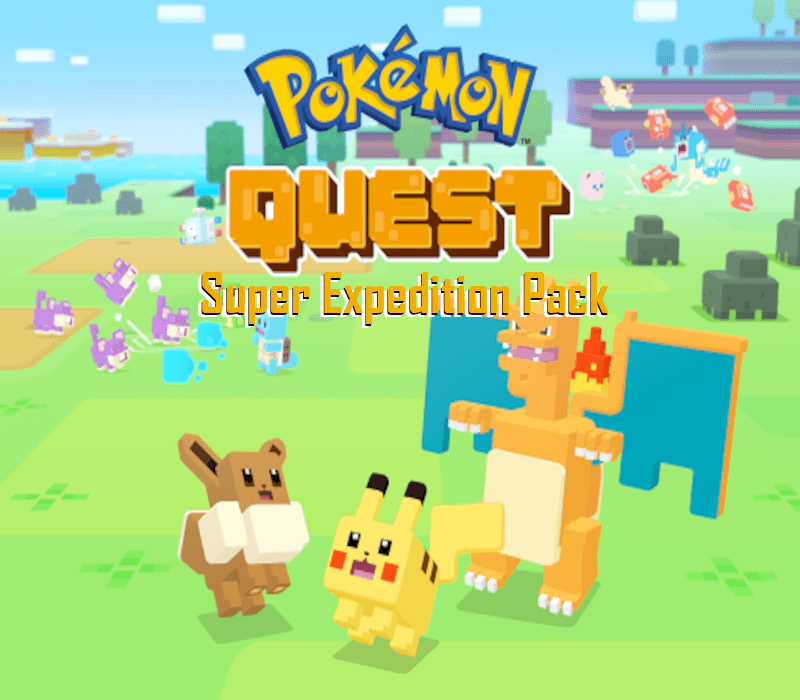
Pokemon Quest - Super Exploration Pack DLC
Pokemon Quest - Super Exploration Pack DLC EU Nintendo Switch CD Key
Price £3.99
In stock
Doesn't work in the US
This product can't be activated in the US or on an account registered there. You can still buy it if you'll activate it in one of the countries below, on an account registered there.
Works in
- Andorra
- Albania
- Austria
- Åland Islands
What you get
- Game key
- Nintendo
- DLC
A key you redeem on Nintendo to add this DLC to your own account.
Does not work in the US
Region: Europe
- Your Nintendo account must be registered in one of the countries this key works in.
- This is DLC. You need the base game to use it.
Product details
| Developer | Game Freak |
|---|---|
| Publisher | Nintendo |
| Release date | 2018-05-30 |
| Genres | Action, Adventure, RPG |
| Platform | Nintendo |
| Age rating | PEGI 3 |
| Languages | English, Spanish, German, French, Italian |
| Region | Europe |
About this product
Includes: The cooking pot the Ultra Ball Model the LVL1 Snorlax Welcome to Tumblecube Island, where Pokémon have turned into cubes? Set off for adventure in the Pokémon Quest game. Venture out with your Pokémon buddies on expeditions across Tumblecube Island in search of loot in this free-to-start action-adventure for the Nintendo Switch™ system. Modify your Pokémon buddies with discovered Power Stones to make your ultimate expedition team.With a cube-shaped art style, Pokémon Quest is unlike any Pokémon game you’ve seen before. The simple gameplay makes it easy to hop into expeditions and start exploring Tumblecube Island with the help of your Pokémon buddies. Afterwards, head back to your base camp where you can use the loot you found during your adventure to befriend more Pokémon. Attract various Kanto Region Pokémon to your base camp by cooking up dishes made with collected ingredients! You can even decorate your base camp with fun items that provide helpful bonuses that make your expeditions more beneficial.
Select “Nintendo eShop” on the HOME Menu to launch the Nintendo eShop. Select the account you want to use. Select “Enter Code” on the left side of the screen. Enter the 16-character download code.Any letters and symbols not used with prepaid codes (i.e. O, I, Z, commas, hyphens, etc.) will be disabled from the on-screen keyboard. Select “Send” to confirm. The game will begin downloading once the code is confirmed.The game icon will appear on the HOME menu, with a download status bar. The status bar will disappear once the game download is complete.