1 / 7
- Xbox
- Account
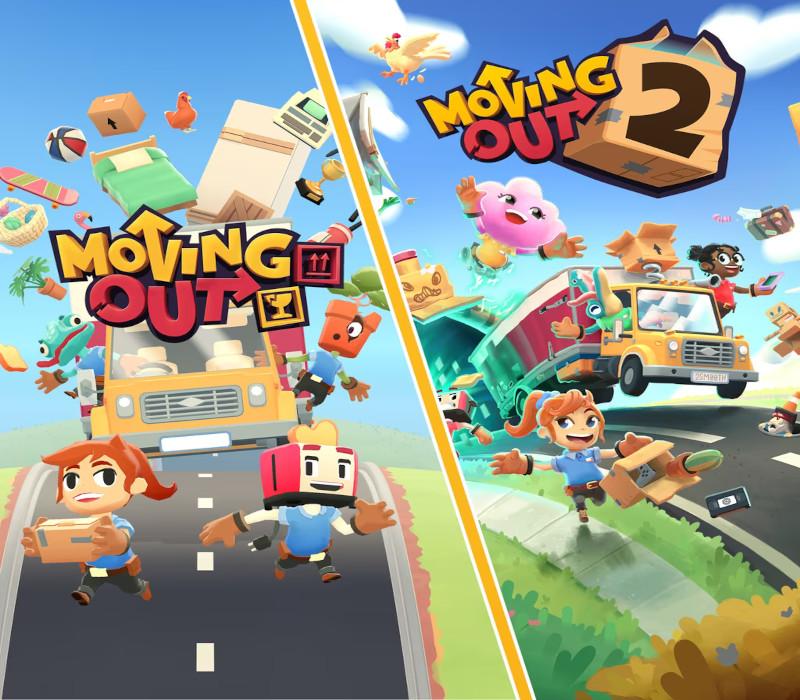
Moving Out + Moving Out 2 Bundle
Moving Out + Moving Out 2 Bundle XBOX One / Xbox Series X|S / PC Account
Price £4.99
In stock
What you get
- Account login
- Xbox One
Login details for a Xbox One account that already owns this game. You do not add it to your own account.
Activates in the US
Region: Worldwide
Product details
| Developer | SMG Studio |
|---|---|
| Publisher | Team17 |
| Release date | 2023-08-15 |
| Genres | Action, Casual, Indie, Simulation |
| Platform | Xbox One |
| Age rating | PEGI 3 |
| Languages | English, French, Italian, German, Spanish, Korean, Russian, Chinese, Japanese, Polish, Portuguese - Brazil, Swedish |
| Metacritic | 78 |
| Region | Worldwide |
About this product
Includes Moving Out Moving Out 2 The Ultimate F.A.R.T. (Furniture Arrangement & Relocation Technician) experience! The Moving Out Bundle comes packed with both Moving Out 1 and 2 - with dozens of levels across Packmore and beyond! Features THOSE WHO MOVE TOGETHER, GROOVE TOGETHEREnjoy Moving Out 1's story as an independent contractor - and with Moving Out 2, play together, anywhere, with online and crossplay! TO PACKMORE AND BEYOND!From humble beginnings as a small company to inter-dimensional movers in style. All your favorite levels are here. FRESH CHARACTERS & RETURNING FAVOURITESMoving Out 2 features an entirely new cast of extra lovable characters because Smooth Moves have signed up some new F.A.R.T recruits! Play from a range of eager new employees, or old Smooth Moves favorites. IT'S FOR EVERYONE!Assist mode?! Check! A wide array of accessibility options?! Check! Loads of characters and countless finely tailored fits and skins for all you fashionistas?! Check! Check! Check!
Windows
Minimum: Requires a 64-bit processor and operating system OS: Windows 7 SP1 (64-bit) or Windows 10 (64-bit) Processor: Intel Core2 Duo E8400 or AMD Phenom II X2 550 Memory: 4 GB RAM Graphics: Intel UHD 630 or Radeon Vega 8 DirectX: Version 12 Storage: 1 GB available space
Use the credentials you received (directly or via an external website) and log into the account. Make sure that the content on the account is correct (correct edition of the game, no playtime etc.) Add the purchased account to your console and set it as Xbox home account: Purchased account has to be added as a new user, not as a guest30 Xbox Series X S How to Make Account Primary! Change the credentials to make the account your own: Change the email Change the password Add 2FANOTE: Applying any changes to the purchased account, such as adding a payment method or changing the region, may result in the account being banned. In such cases, no refund is applicable. Once the account is added to your console (as a Xbox home account), download the game and switch back to the account you would like to play from. This way your progress will be saved on the account you are using.* The account should be used as a way of accessing the game/content you are interested in. It is not recommended to use it as your main account, as you might have issues with making purchases on it. *Note: Some content available in the Special Editions like in-game currency, skins, bonuses etc. may not be accessible from your main account.