1 / 6
- Other
- DLC
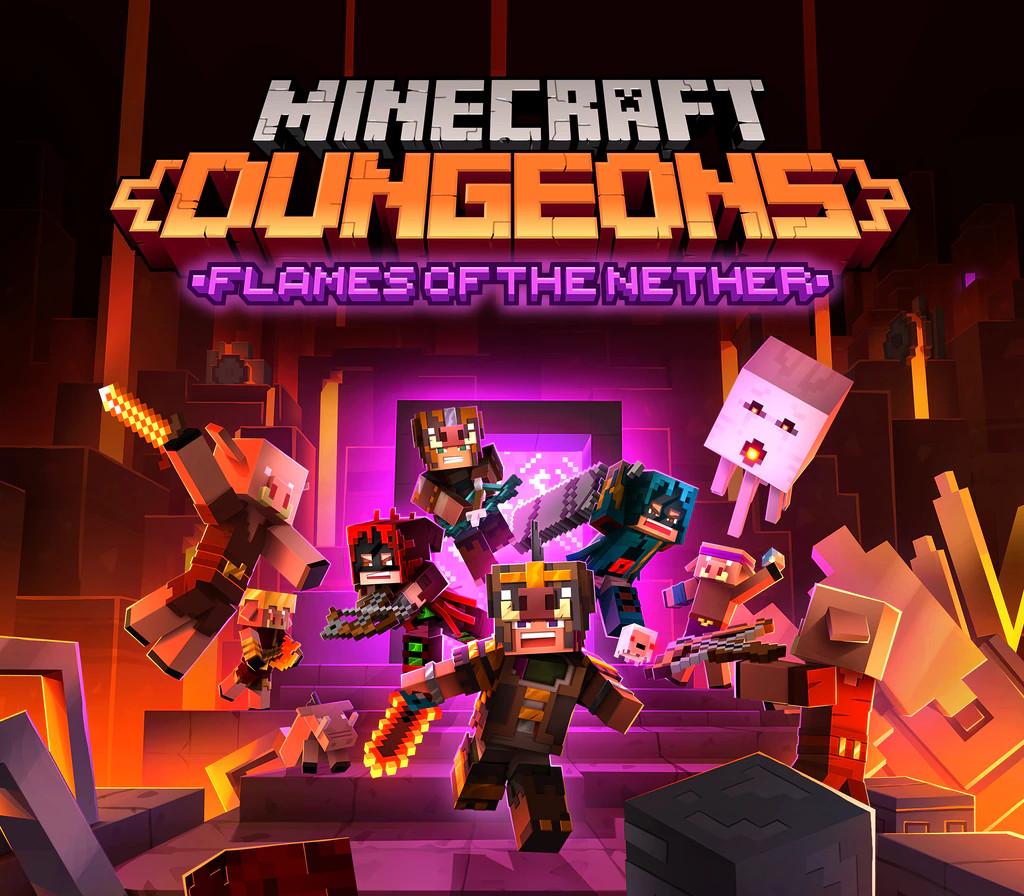
Minecraft Dungeons - Flames of the Nether DLC
Minecraft Dungeons - Flames of the Nether DLC PC CD Key
Price £2.99
In stock
What you get
- Game key
- Other
- DLC
A key you redeem on Other to add this DLC to your own account.
Activates in the US
Region: Worldwide
- This is DLC. You need the base game to use it.
Product details
| Developer | Mojang Studios |
|---|---|
| Publisher | Mojang Studios |
| Release date | 2021-09-22 |
| Genres | Action, Adventure, RPG |
| Platform | Other |
| Age rating | PEGI 7 |
| Languages | English, French, Italian, German, Spanish, Korean, Polish, Portuguese - Brazil, Russian, Chinese, Swedish, Japanese |
| Region | Worldwide |
| Steam page | View on Steam |
About this product
Minecraft Dungeons is bringing the heat with the newest DLC, Flames of the Nether! Journey to the heart of the Nether in six new missions that will let you explore familiar biomes in an all-new way.The adventure ahead will bring new artifacts, weapons, and gear for those who are brave enough to face the fiery wrath of the Nether’s dangerous mobs. Not everything is scary and out to get you, since you’ll also get the new Baby Ghast pet along with two new skins! Make sure you have the latest DLC and don’t miss out on the most ambitious Minecraft Dungeons content so far. Six new Nether missions Take down new enemies from the Nether New weapons, gear, and artifacts Two new skins and a Baby Ghast pet
Windows
Minimum: Requires a 64-bit processor and operating system OS: Windows 10 (November 2019 Update or higher), 11 Processor: Core i5 2.8GHz or equivalent Memory: 8 GB RAM Graphics: NVIDIA GeForce GTX 660 or AMD Radeon HD 7870 or equivalent DX11 GPU DirectX: Version 11 Storage: 6 GB available space Additional Notes: Performance increases with higher-end systems. Not supported on Windows 10S.
IN THE XBOX APP ON WINDOWS Press the Start button, and then enter Xbox into the search bar. Choose the Xbox app from the results to open the app. Select your gamerpic, and then select Settings. Select Redeem under Redeem a code. Enter the 25-character code, select Next, and then follow the prompts. IN THE MICROSOFT STORE ON WINDOWS Press the Start button, and then enter store into the search bar. Choose Microsoft Store from the results to open the app. Select your account in the top-right corner of the screen, and then select Redeem code or gift cards. Enter the 25-character code, select Next, and then follow the prompts. FROM A PC OR MOBILE WEB BROWSER Follow this link, enter the 25-character code, select Next, and then follow the prompts.