1 / 9
- Xbox
KURSK
KURSK EU XBOX One / Xbox Series X|S CD Key
Price £7.99
In stock
Doesn't work in the US
This product can't be activated in the US or on an account registered there. You can still buy it if you'll activate it in one of the countries below, on an account registered there.
Works in
- Andorra
- Albania
- Austria
- Åland Islands
What you get
- Game key
- Xbox One
A key you redeem on Xbox One to add the game to your own account.
Does not work in the US
Region: Europe
- Your Microsoft account must be registered in one of the countries this key works in.
Product details
| Developer | Jujubee S.A. |
|---|---|
| Publisher | Jujubee S.A. |
| Release date | 2021-05-07 |
| Genres | Action, Adventure |
| Platform | Xbox One |
| Age rating | PEGI 16 |
| Languages | German, English, French, Spanish, Japanese, Polish, Russian, Chinese, Finnish, Korean, Italian |
| Region | Europe |
About this product
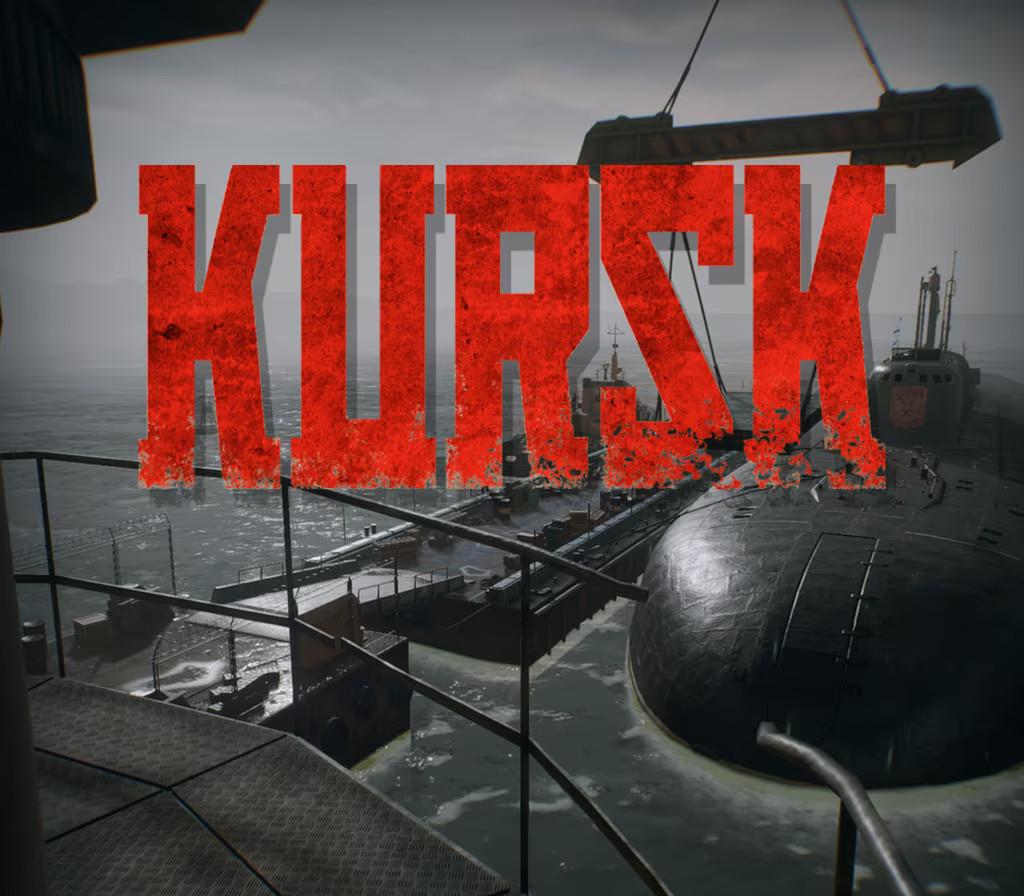
KURSK is the first ever adventure and documentary video game inspired by real events. You assume the role of a spy who finds a way on the Russian nuclear submarine K-141 Kursk. Your task is to collect secret information about the revolutionary Shkval supercavitating torpedoes. While trying to complete your mission, you become witness to the dramatic events which shook the world at that time. LIVE THE HISTORYExperience the history of the fateful voyage of K-141 KURSK that ended at the bottom of Barents Sea. THE WORLD OF 2000See through the first person perspective the fascinating world of 2000’s Moscow, Vidyayevo and the extremely detailed Oscar II-class submarine.INTELLIGENCE OPERATIVEWalk the fine line between gathering secret information, getting to know important people and getting caught spying.DECISIONSGet to know the crew of Kursk submarine, maintain important relationships and make decisions that have a long-lasting impact. Extras included in Standard Version: Premium KURSK Wallpapers; Unique Digital Artbook in PDF format; Official Game Digital Soundtrack.
Go to: http://store.steampowered.com/ and download STEAM client Click "Install Steam" (from the upper right corner) Install and start application, login with your Account name and Password (create one if you don't have). Please follow these instructions to activate a new retail purchase on Steam: Launch Steam and log into your Steam account. Click the Games Menu. Choose Activate a Product on Steam... Follow the onscreen instructions to complete the process. After successful code verification go to the "MY GAMES" tab and start downloading.