1 / 7
- Xbox
Kholat
Kholat EU XBOX One CD Key
Price £4.99
In stock
Doesn't work in the US
This product can't be activated in the US or on an account registered there. You can still buy it if you'll activate it in one of the countries below, on an account registered there.
Works in
- Andorra
- Albania
- Austria
- Åland Islands
What you get
- Game key
- Xbox One
A key you redeem on Xbox One to add the game to your own account.
Does not work in the US
Region: Europe
- Your Microsoft account must be registered in one of the countries this key works in.
Product details
| Developer | IMGN.PRO |
|---|---|
| Publisher | IMGN.PRO |
| Release date | 2017-06-09 |
| Genres | Adventure, Indie |
| Platform | Xbox One |
| Age rating | PEGI 12 |
| Languages | English |
| Metacritic | 54 |
| Region | Europe |
About this product
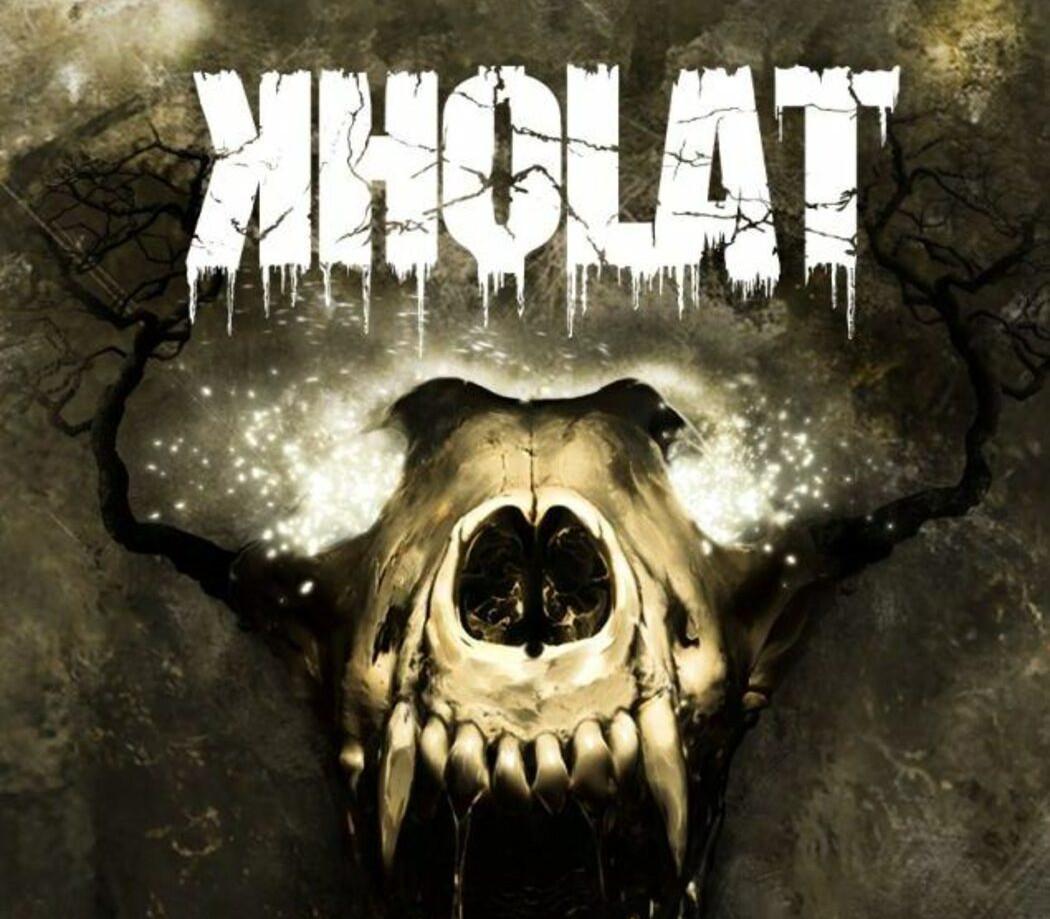
Narrated by one of the most popular British actors, Sean Bean and powered by Unreal Engine 4, Kholat is an exploration adventure game with elements of horror, inspired by a true event known as the Dyatlov Pass incident – a mysterious death of nine Russian hikers, which led to countless, unconfirmed hypotheses. The player will plunge directly into the boundless scenery of the inhospitable Ural Mountains with the task to find out what really happened. In the course of events, you may come across more speculations than expected... The game has won "GameConnection Europe 2015" awards for "Best Story / Storytelling" and "Best Desktop / Downloadable" game. Dyatlov Pass incident was a real story that happened in winter of 1959. Nine hikers went for a trip to the northern part of Ural Mountains, which ended fatally. Bodies of expedition's crew were found scattered on slope of Kholat Syakhl. Russian investigators closed the case stating that "a compelling unknown force" had caused the deaths.
Go to: http://store.steampowered.com/ and download STEAM client Click "Install Steam" (from the upper right corner) Install and start application, login with your Account name and Password (create one if you don't have). Please follow these instructions to activate a new retail purchase on Steam: Launch Steam and log into your Steam account. Click the Games Menu. Choose Activate a Product on Steam... Follow the onscreen instructions to complete the process. After successful code verification go to the "MY GAMES" tab and start downloading.