1 / 5
- Nintendo
- In-game currency and items
- DLC
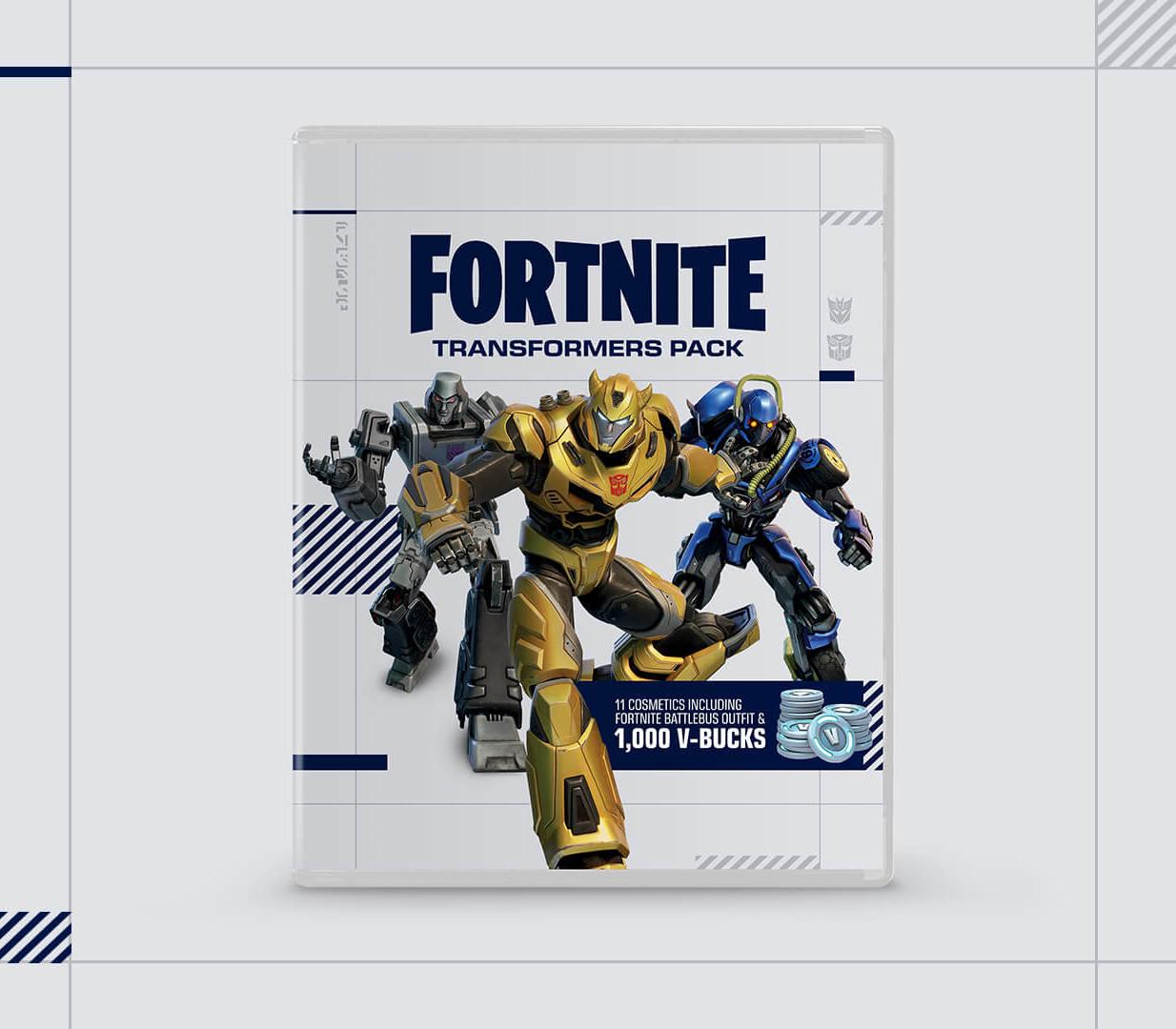
Fortnite - Transformers Pack + 1000 VBucks DLC
Fortnite - Transformers Pack + 1000 VBucks DLC EU Nintendo Switch CD Key
Price £18.99
In stock
Doesn't work in the US
This product can't be activated in the US or on an account registered there. You can still buy it if you'll activate it in one of the countries below, on an account registered there.
Works in
- Andorra
- Albania
- Austria
- Åland Islands
What you get
- In-game currency or items
- Nintendo
- DLC
A code you redeem on Nintendo that adds in-game currency or items to your account in the game. It is not the game itself.
Does not work in the US
Region: Europe
- Your Nintendo account must be registered in one of the countries this code works in.
- You need the game, and an account for it, to use this. In-game currency and items often work on one platform only, so check the activation notes before you buy.
- This is DLC. You need the base game to use it.
Product details
| Developer | Epic Games |
|---|---|
| Publisher | Epic Games |
| Release date | 2023-10-21 |
| Genres | Action, Adventure |
| Platform | Nintendo |
| Age rating | PEGI 12 |
| Languages | English |
| Region | Europe |
About this product
Includes: Bumblebee Outfit and Accessories Bumblebee Outfit: The best Autobot friend any human could have. Bumblebee's Wings Back Bling: Flight of the Bumblebee. Stinger Sword Pickaxe: Feel the Sting. (Has the built-in Battle Ready Emote.) Megatron Outfit and Accessories Megatron Outfit: True power is not earned. It is taken! Decepticon Emblem Back Bling: Decepticons Attack! Energon Mace Pickaxe: Wield this mace fueled with Energon. (Has the built-in Fusion Cannon Emote.) Fortnite BattleBus Outfit and Accessories The Fortnite Battle Bus is not an official Transformers character, but that doesn’t mean it can’t get in on the fun too Fortnite BattleBus Outfit: Beep! Beep! See you on the… me? Bot Air Balloon Back Bling: From bus stops to hot drops. Pick Axle Pickaxe: Dropping players in a whole new way. 1, 000 V-Bucks
Select “Nintendo eShop” on the HOME Menu to launch the Nintendo eShop. Select the account you want to use. Select “Enter Code” on the left side of the screen. Enter the 16-character download code.Any letters and symbols not used with prepaid codes (i.e. O, I, Z, commas, hyphens, etc.) will be disabled from the on-screen keyboard. Select “Send” to confirm. The game will begin downloading once the code is confirmed.The game icon will appear on the HOME menu, with a download status bar. The status bar will disappear once the game download is complete.