1 / 7
- Steam
- DLC
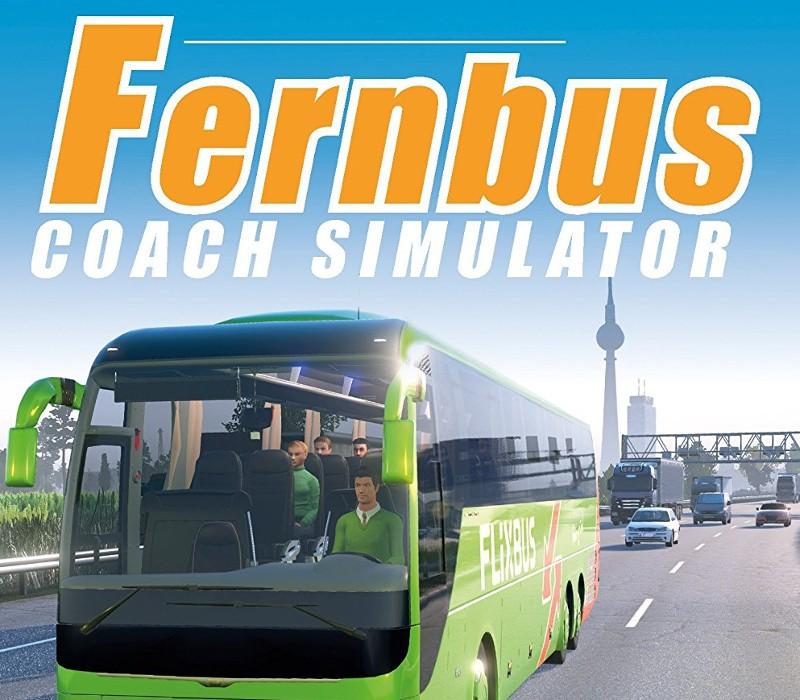
Fernbus Simulator - Austria/Switzerland DLC
Fernbus Simulator - Austria/Switzerland DLC Steam CD Key
Price £9.99
In stock
What you get
- Game key
- Steam
- DLC
A key you redeem on Steam to add this DLC to your own account.
Activates in the US
Region: Worldwide
- This is DLC. You need the base game to use it.
Product details
| Developer | TML-Studios |
|---|---|
| Publisher | Aerosoft GmbH |
| Release date | 2018-04-05 |
| Genres | Simulation |
| Platform | Steam |
| Age rating | PEGI 3 |
| Languages | German, English, French, Spanish, Hungarian, Polish, Portuguese, Russian, Chinese, Turkish, Italian, Portuguese - Brazil |
| Region | Worldwide |
| Steam page | View on Steam |
About this product
The first map expansion for Fernbus Simulator connects the Alpine countries, Switzerland and Austria, seamlessly and without any loading sequence to the existing Map of Germany. This DLC adds 11 new cities in both countries. The Alpine Landscape stretches from Geneva over Innsbruck until Vienna. New routes, mountain passes, and winding roads. Seamless extension of the existing mapStunning landscape of Switzerland and Austria11 new cities Geneva Basel Bern Lucerne Zurich Innsbruck Salzburg Linz Graz St. Pölten Vienna New graphical content, e.g. points of interest, massifs, etc.Many true-to-original bus stationsExtended road network with motorways and main roadsSerpentines, mountain pass roads and new tunnels
Windows
OS: 7/8/8.1/10 (64bit only) Processor: Intel Core i5 Processor or similar with at least 2.6 GHz Memory: 6 GB RAM Graphics: Nvidia GeForce GTX 560 or similar AMD Radeon (no support for onboard cards) DirectX: Version 11 Storage: 45 GB available space Sound Card: Yes
Go to: http://store.steampowered.com/ and download STEAM client Click "Install Steam" (from the upper right corner) Install and start application, login with your Account name and Password (create one if you don't have). Please follow these instructions to activate a new retail purchase on Steam: Launch Steam and log into your Steam account. Click the Games Menu. Choose Activate a Product on Steam... Follow the onscreen instructions to complete the process. After successful code verification go to the "MY GAMES" tab and start downloading.