1 / 4
- Steam
- DLC
Deep Rock Galactic - Rival Tech Pack DLC
Deep Rock Galactic - Rival Tech Pack DLC EU PC Steam CD Key
Price £2.99
In stock
Doesn't work in the US
This product can't be activated in the US or on an account registered there. You can still buy it if you'll activate it in one of the countries below, on an account registered there.
Works in
- Andorra
- Albania
- Austria
- Åland Islands
What you get
- Game key
- Steam
- DLC
A key you redeem on Steam to add this DLC to your own account.
Does not work in the US
Region: Europe
- Your Steam account must be registered in one of the countries this key works in.
- This is DLC. You need the base game to use it.
Product details
| Developer | Ghost Ship Games |
|---|---|
| Publisher | Coffee Stain Publishing |
| Release date | 2021-11-04 |
| Genres | Action |
| Platform | Steam |
| Age rating | PEGI 16 |
| Languages | English, French, German, Spanish, Polish, Russian, Chinese, Ukrainian, Italian, Japanese, Korean, Turkish, Portuguese |
| Metacritic | 86 |
| Region | Europe |
| Steam page | View on Steam |
About this product
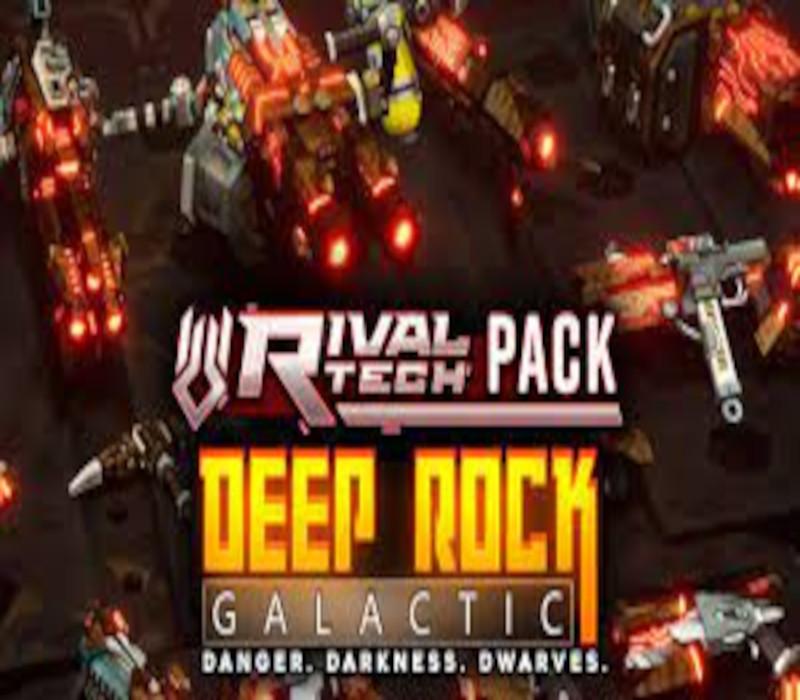
The Rival Tech Pack will let you deck out all your guns in theme with our new enemies - no reason to let all those lovely bits go to waste, after all!On top of the set of new unique Weapon Frameworks for all your weapons, the pack comes with a matching Paintjob for your Armors, as well as a new Paintjob for your Pickaxe. Features The Rival Tech Framework - a set of FULL MESH RESKINS of all weapons in the game in the style of our new rivals. Rival Tech Paintjob for all your Weapon Frameworks. Rival Tech Armor Paintjob to match your new weapon Framework. Rival Tech Paintjob for your trusty personal Pickaxe. Important note: The contents of this Pack are cosmetic only!
Windows
Minimum: Requires a 64-bit processor and operating system OS: Windows 7 64 Bit Processor: 2.4 GHz Dual Core Memory: 6 GB RAM Graphics: NVIDIA GeForce GTX 460 or AMD Radeon HD 5770 /w 1GB VRAM Storage: 1 GB available space
Go to: http://store.steampowered.com/ and download STEAM client Click "Install Steam" (from the upper right corner) Install and start application, login with your Account name and Password (create one if you don't have). Please follow these instructions to activate a new retail purchase on Steam: Launch Steam and log into your Steam account. Click the Games Menu. Choose Activate a Product on Steam... Follow the onscreen instructions to complete the process. After successful code verification go to the "LIBRARY" tab and start downloading.