1 / 7
- Steam
Cublast HD
Cublast HD Steam CD Key
Price £2.99
In stock
What you get
- Game key
- Steam
A key you redeem on Steam to add the game to your own account.
Activates in the US
Region: Worldwide
Product details
| Developer | ThinkFast Studio |
|---|---|
| Publisher | ThinkFast Studio |
| Release date | 2017-04-28 |
| Genres | Indie, Casual, Puzzle, Platformer, Co-op |
| Platform | Steam |
| Languages | English |
| Region | Worldwide |
| Steam page | View on Steam |
About this product
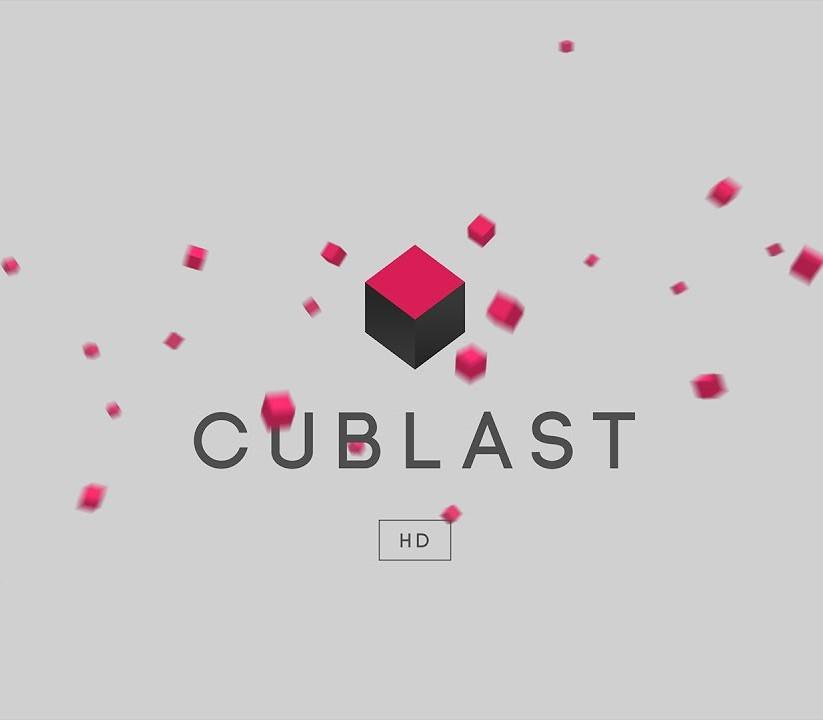
Cublast is a minimalistic and fast-paced platformer which takes your nimble navigating and puzzle-solving skills to the next level!Play a wide variety of single player levels or let your friends join in with local co-op and versus! That's not all, as the follow up of the prize winning mobile game, Cublast HD has a built-in level editor and community which allows you to explore your creative ideas and enables you to share these with players all around the world. Features Exciting Game-play Local Co-op, Versus & Community Maps. Level Editor, let your creativity go wild and build levels that you then can share with the whole community. Creative and growing Community Customization, customize the game to your taste with vibrant themes and accents.
Windows
OS: Windows XP SP2+ Memory: 2 GB RAM Graphics: DX9 (shader model 3.0) or DX11 with feature level 9.3 capabilities. Storage: 300 MB available space
Mac
OS: Mac OS X 10.8+ Memory: 2 GB RAM Graphics: DX9 (shader model 3.0) or DX11 with feature level 9.3 capabilities. Storage: 300 MB available space
Linux
OS: Ubuntu 12.04+ Memory: 2 GB RAM Graphics: DX9 (shader model 3.0) or DX11 with feature level 9.3 capabilities. Storage: 300 MB available space
Go to: http://store.steampowered.com/ and download STEAM client Click "Install Steam" (from the upper right corner) Install and start application, login with your Account name and Password (create one if you don't have). Please follow these instructions to activate a new retail purchase on Steam: Launch Steam and log into your Steam account. Click the Games Menu. Choose Activate a Product on Steam... Follow the onscreen instructions to complete the process. After successful code verification go to the "MY GAMES" tab and start downloading.