1 / 6
- Steam
BOOR
BOOR PC Steam CD Key
Price £1.99
In stock
What you get
- Game key
- Steam
A key you redeem on Steam to add the game to your own account.
Activates in the US
Region: Worldwide
Product details
| Developer | DazlogStudio |
|---|---|
| Publisher | BadLand Publishing |
| Release date | 2017-02-14 |
| Genres | Adventure, Indie, Casual, Puzzle, Platformer |
| Platform | Steam |
| Languages | German, English, French, Spanish |
| Region | Worldwide |
| Steam page | View on Steam |
About this product
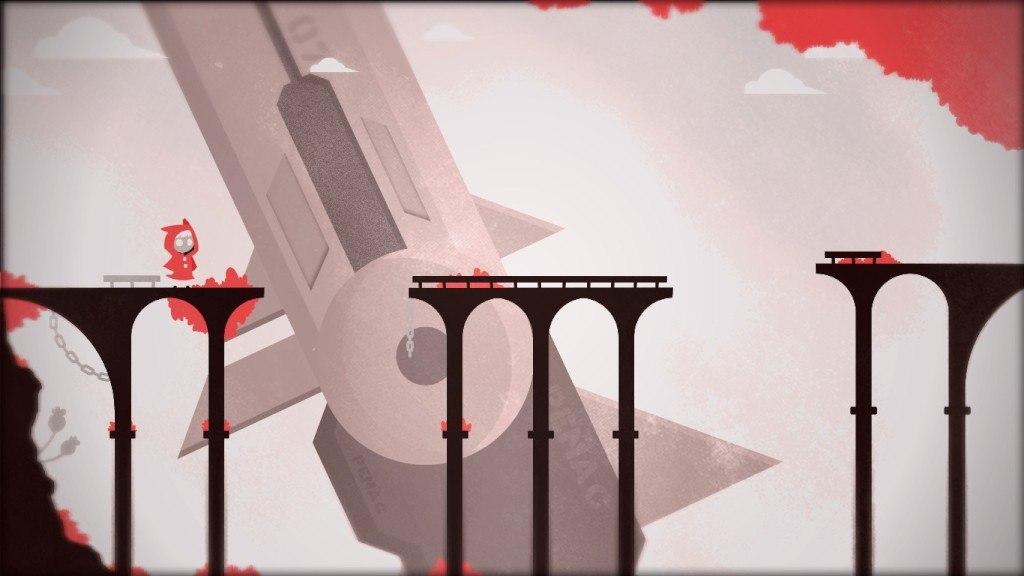
Eden is a human colony far from Earth. To develop a better society, settlers made an artificial intelligence, BOOR, to help them, but this machine turned against them.When a little girl accidentally lands on the planet of Eden, she discovers BOOR has taken over and there are only a few survivors left. With her special ability to multiply herself, she'll help them destroy BOOR and reclaim the world. BOOR is a 2D puzzle-platformer game created by Dazlog Studio. Features More than 80 engaging hand drawn rooms to explore. Mind bending puzzles and beautiful scenarios to discover. Investigate an alluring but strange world called Eden. Collectibles and secrets to uncover. Experience the power to multiply yourself. OST produced by Paltian (Jacobo Cáceres) accompanies the captivating gameplay.
Windows
OS: Windows XP Processor: 1.2 GHz Memory: 4 GB RAM Graphics: 512MB VRAM DirectX: Version 9.0 Storage: 150 MB available space
Mac
OS: Mac OSX 10.7 Processor: 1.2 GHz Memory: 4 GB RAM Graphics: 512MB VRAM Storage: 72 MB available space
Linux
OS: Ubuntu 12.04/Steam OS Processor: 1.2 GHz Memory: 4 GB RAM Graphics: 512MB VRAM Storage: 52 MB available space
Go to: http://store.steampowered.com/ and download STEAM client Click "Install Steam" (from the upper right corner) Install and start application, login with your Account name and Password (create one if you don't have). Please follow these instructions to activate a new retail purchase on Steam: Launch Steam and log into your Steam account. Click the Games Menu. Choose Activate a Product on Steam... Follow the onscreen instructions to complete the process. After successful code verification go to the "MY GAMES" tab and start downloading.