1 / 5
- Steam
- DLC
Battle vs Chess - Dark Desert DLC
Battle vs Chess - Dark Desert DLC Steam CD Key
Price £1.99
In stock
What you get
- Game key
- Steam
- DLC
A key you redeem on Steam to add this DLC to your own account.
Activates in the US
Region: Worldwide
- This is DLC. You need the base game to use it.
Product details
| Developer | Targem Games |
|---|---|
| Publisher | TopWare Interactive |
| Release date | 2014-12-22 |
| Genres | Strategy, Simulation, Casual |
| Platform | Steam |
| Languages | German, English, French, Spanish, Czech, Hungarian, Polish, Russian, Italian |
| Region | Worldwide |
| Steam page | View on Steam |
About this product
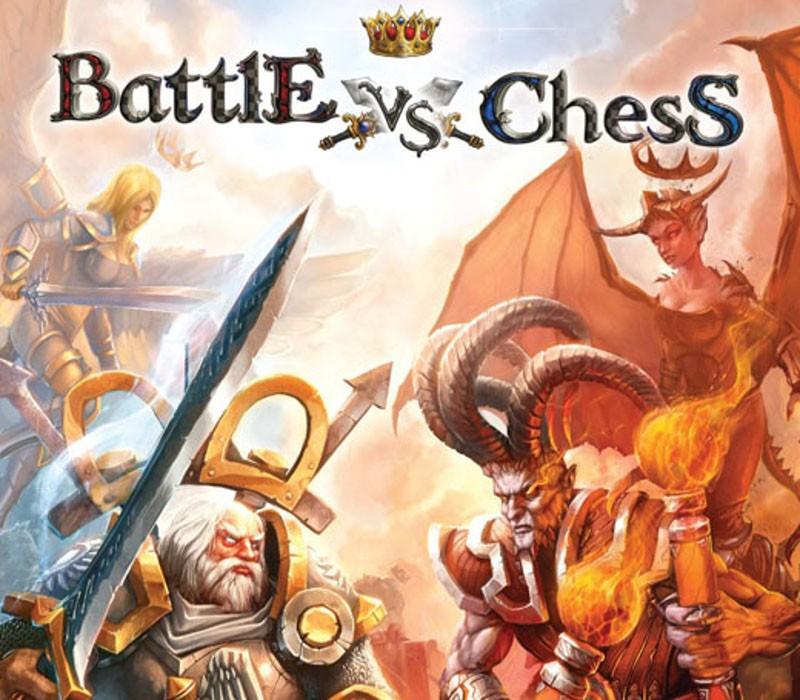
Again the armies of the Kings meet! Between the dusty graves of long forgotten giants and the burning sands the battle rages in the Dark Desert. Lead your men to victory. Beside a total new battlefield the DLC contains a new Battleground-Mode called "Rune Runner". Bomb your way to victory and let your enemies run into your explosive traps, while defending your positions. Attack and defense it's all in your hands! The Rune Runner mode can be played on all battlefields including the Floating Island environment.
Windows
OS: Windows XP SP3 / Vista / 7 / 8 Processor:2.0 GHz Single Core CPU Memory:1 GB RAM Graphics:Graphics card with Shader 3.0 support and 128 MB RAM DirectX®:9.0c Hard Drive:1 GB HD space Sound:Soundcard with 5.1 Support Other Requirements:Broadband Internet connection
Linux
OS: Ubuntu 16.04 LTS or SteamOS Processor: Intel or AMD Single Core CPU Memory: 1 GB RAM Graphics: Graphics card with Shader 3.0 support and 128 MB RAM Hard Drive:1 GB HD space Sound: Soundcard with 5.1 Support Other Requirements:Broadband Internet connection
Go to: http://store.steampowered.com/ and download STEAM client Click "Install Steam" (from the upper right corner) Install and start application, login with your Account name and Password (create one if you don't have). Please follow these instructions to activate a new retail purchase on Steam: Launch Steam and log into your Steam account. Click the Games Menu. Choose Activate a Product on Steam... Follow the onscreen instructions to complete the process. After successful code verification go to the "MY GAMES" tab and start downloading.