1 / 5
- Steam
- DLC
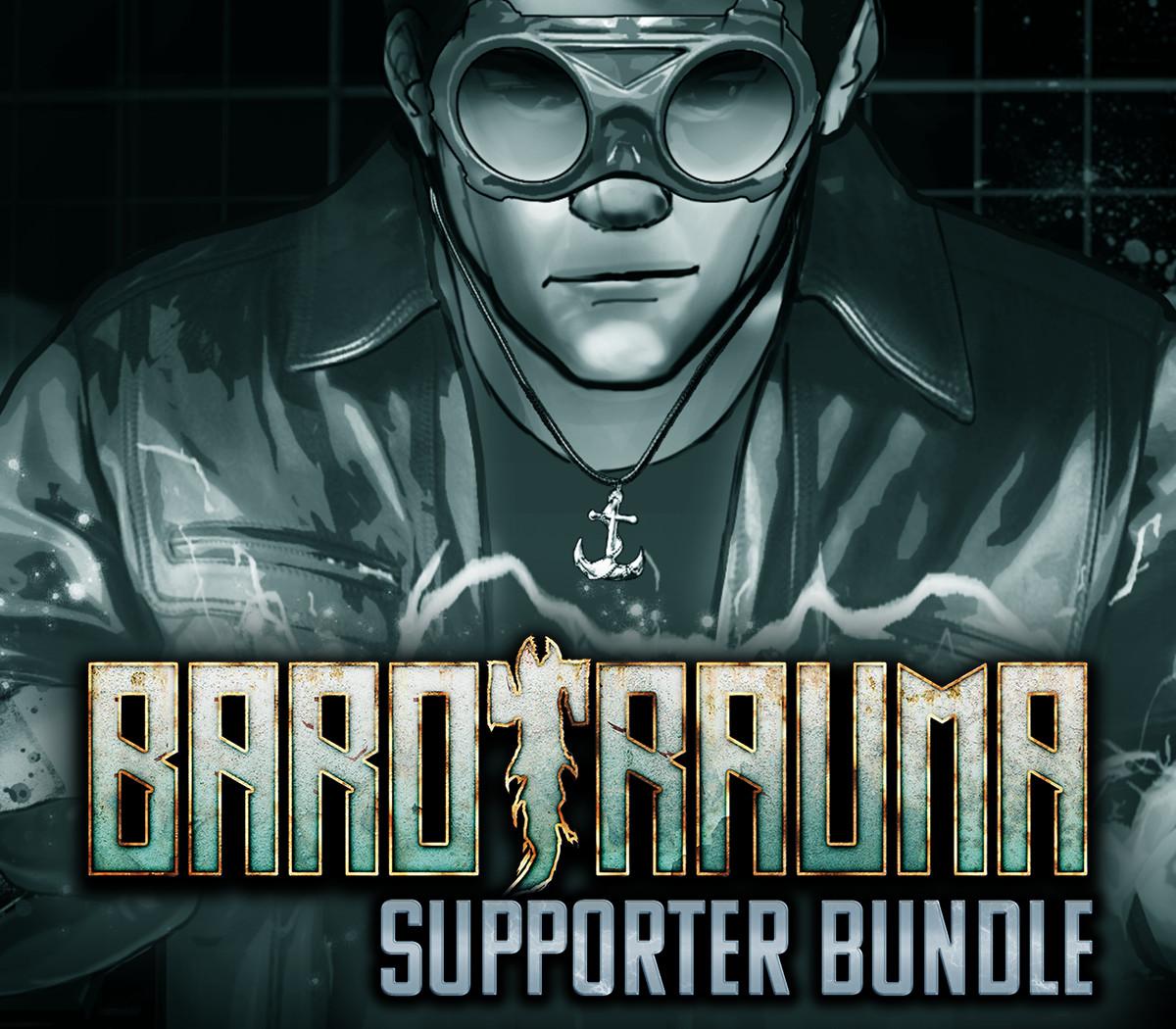
Barotrauma - Supporter Pack DLC RU/CIS
Barotrauma - Supporter Pack DLC RU/CIS PC Steam CD Key
Price £2.99
In stock
Doesn't work in the US
This product can't be activated in the US or on an account registered there. You can still buy it if you'll activate it in one of the countries below, on an account registered there.
Works in
- Armenia
- Azerbaijan
- Belarus
- Georgia
What you get
- Game key
- Steam
- DLC
A key you redeem on Steam to add this DLC to your own account.
Does not work in the US
Region: US and 12 other countries
- Your Steam account must be registered in one of the countries this key works in.
- This is DLC. You need the base game to use it.
Product details
| Developer | FakeFish |
|---|---|
| Publisher | Daedalic Entertainment |
| Release date | 2019-11-21 |
| Genres | Action, Indie, Simulation, Strategy |
| Platform | Steam |
| Languages | English |
| Region | US and 12 other countries |
| Steam page | View on Steam |
About this product
Barotrauma Supporter Pack - "The Europan" This is a collection of bonus content for those who want to dive deeper into the world of Europa. What do I get? Three issues of "The Europan", Europa's most esteemed and only newspaper! The editorial staff brings you the latest rumors, stories both hilarious and gruesome, and rare glimpses into the history of Europa. The official Barotrauma soundtrack, with more tracks added when new ones are composed for the game. Immerse yourself into the hums, clicks and foreboding ambient sounds of Europa's ocean. Is it just darkly reverberant electronic music, or is it the sounds of a deep sea creature lurking in the distance? 14 wallpapers made from Barotrauma's concept art, with 4 new pieces exclusive to this pack.
Windows
Minimum: OS: any Storage: 420 MB available space Additional Notes: A PDF reader for the digital content
Linux
Minimum: OS: any Storage: 420 MB available space Additional Notes: A PDF reader for the digital content
Mac
Minimum: OS: any Storage: 420 MB available space Additional Notes: A PDF reader for the digital content
Go to: http://store.steampowered.com/ and download STEAM client Click "Install Steam" (from the upper right corner) Install and start application, login with your Account name and Password (create one if you don't have). Please follow these instructions to activate a new retail purchase on Steam: Launch Steam and log into your Steam account. Click the Games Menu. Choose Activate a Product on Steam... Follow the onscreen instructions to complete the process. After successful code verification go to the "LIBRARY" tab and start downloading.